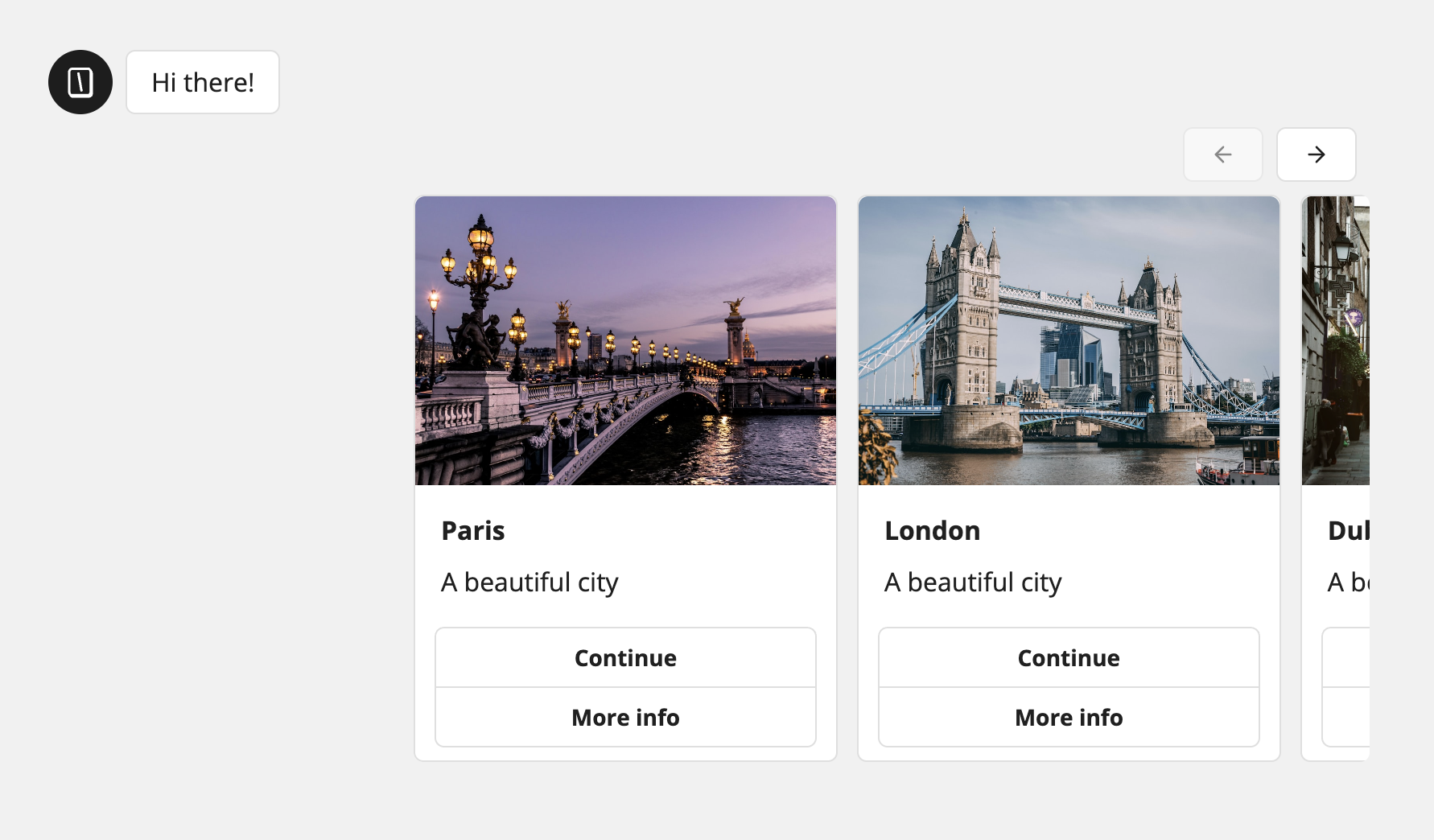
Display cards from variables
To display cards dynamically from variables. Make sure you have list variables. For example:{{Images}}=>["https://example.com/image1.png", "https://example.com/image2.png", "https://example.com/image3.png"]{{Titles}}=>["Card 1", "Card 2", "Card 3"]{{Descriptions}}=>["Description 1", "Description 2", "Description 3"]
Save answer in variables
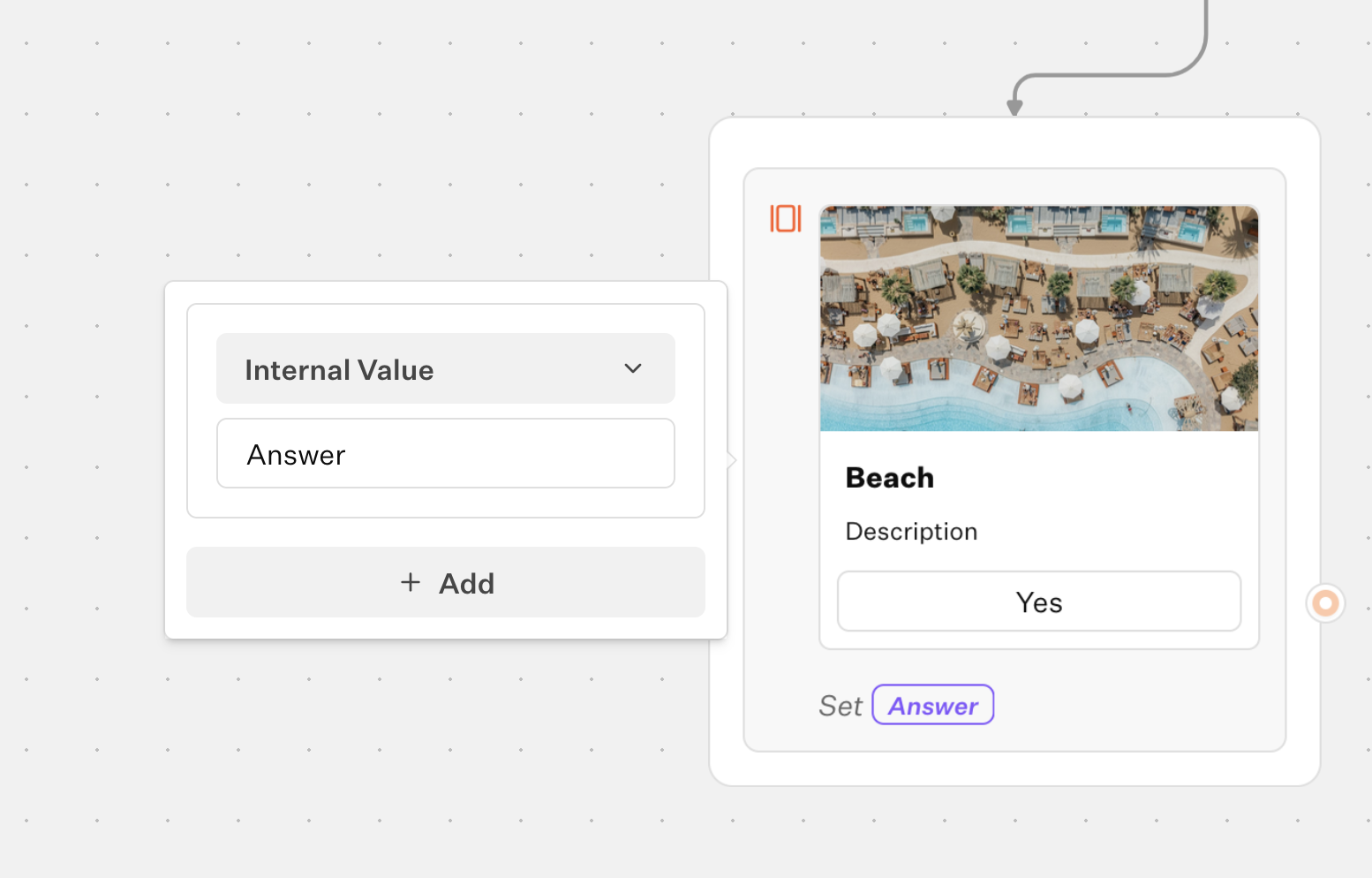
You can store parts of the selected card into variables. Open the Cards block settings and add a mapping, then choose what to extract and which variable to save it to. Add multiple rows if you want to store several fields. Fields you can save:- Image URL: the URL of the selected card image.
- Title: the selected card title.
- Description: the selected card description.
- Button: the label of the button the user clicked on the selected card.
- Internal Value: a hidden value defined per card, ideal for stable identifiers (IDs, slugs). Configure it in a card’s settings under “Internal value”.