> ## Documentation Index
> Fetch the complete documentation index at: https://docs.typebot.com/llms.txt
> Use this file to discover all available pages before exploring further.
# Export / Import a typebot
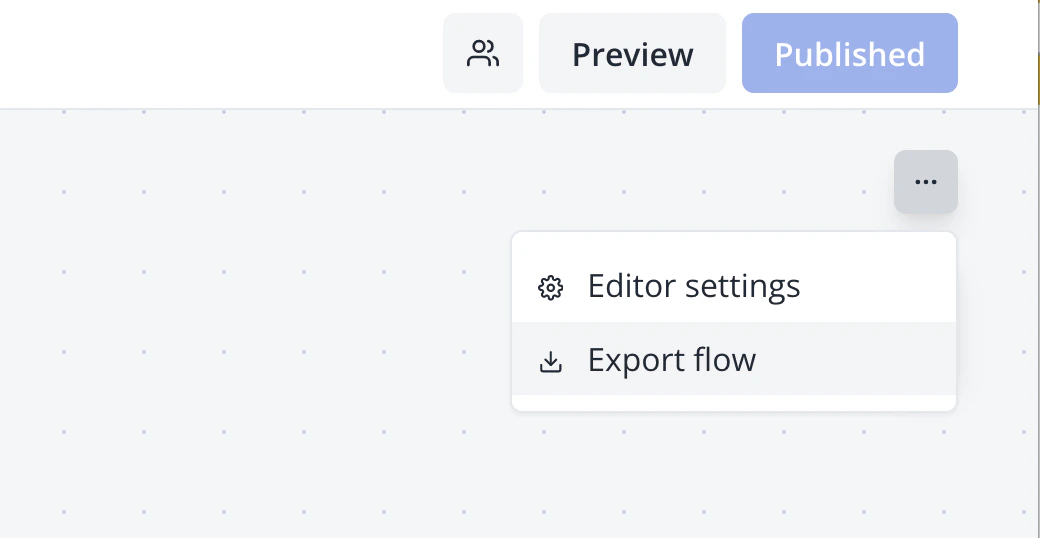
A typebot flow can be exported to a JSON file using the menu button at the top right of the builder:
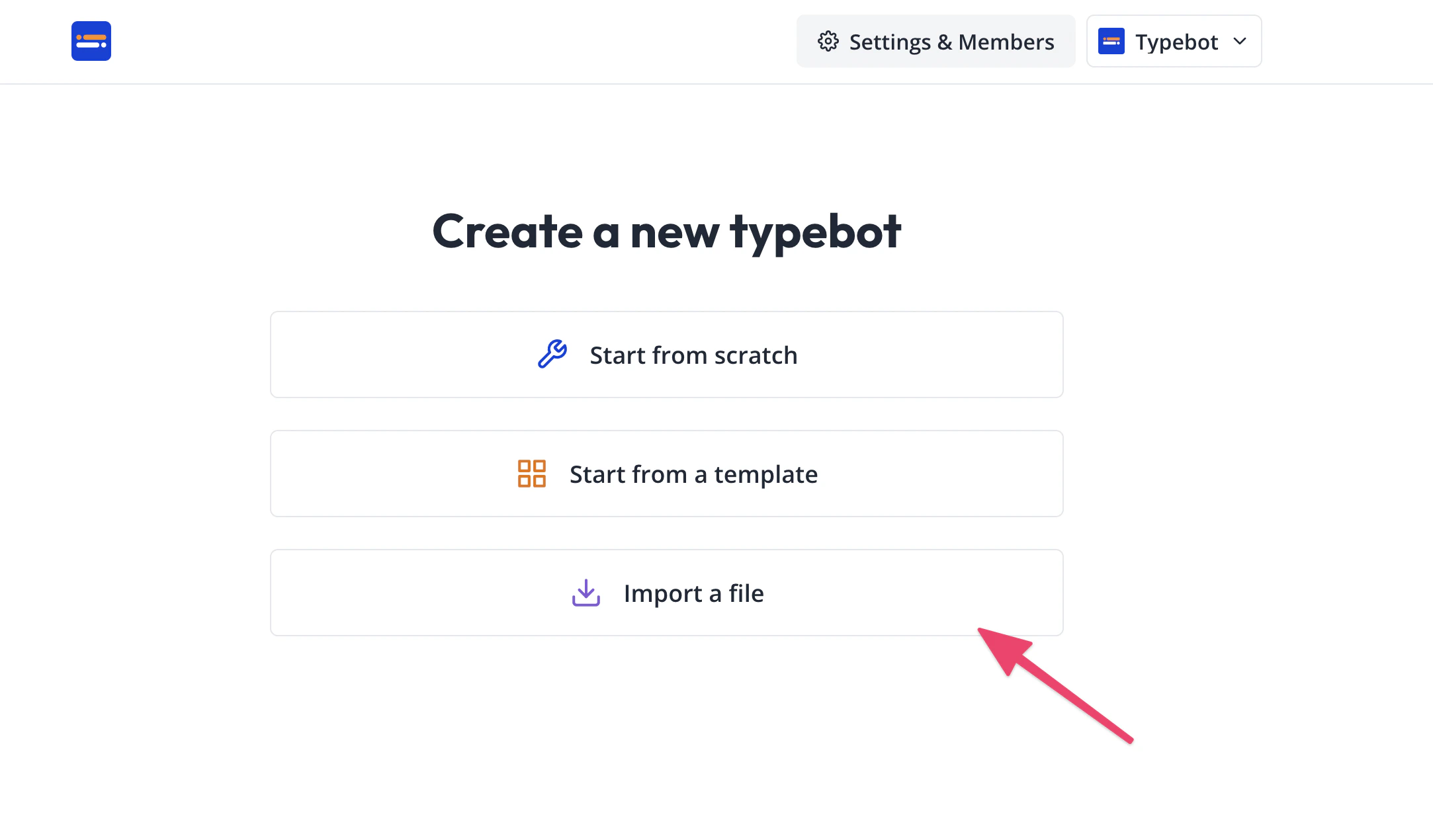
 Then this file can be imported when creating a new typebot by choosing "Import a file":