> ## Documentation Index
> Fetch the complete documentation index at: https://docs.typebot.com/llms.txt
> Use this file to discover all available pages before exploring further.
# Command Event
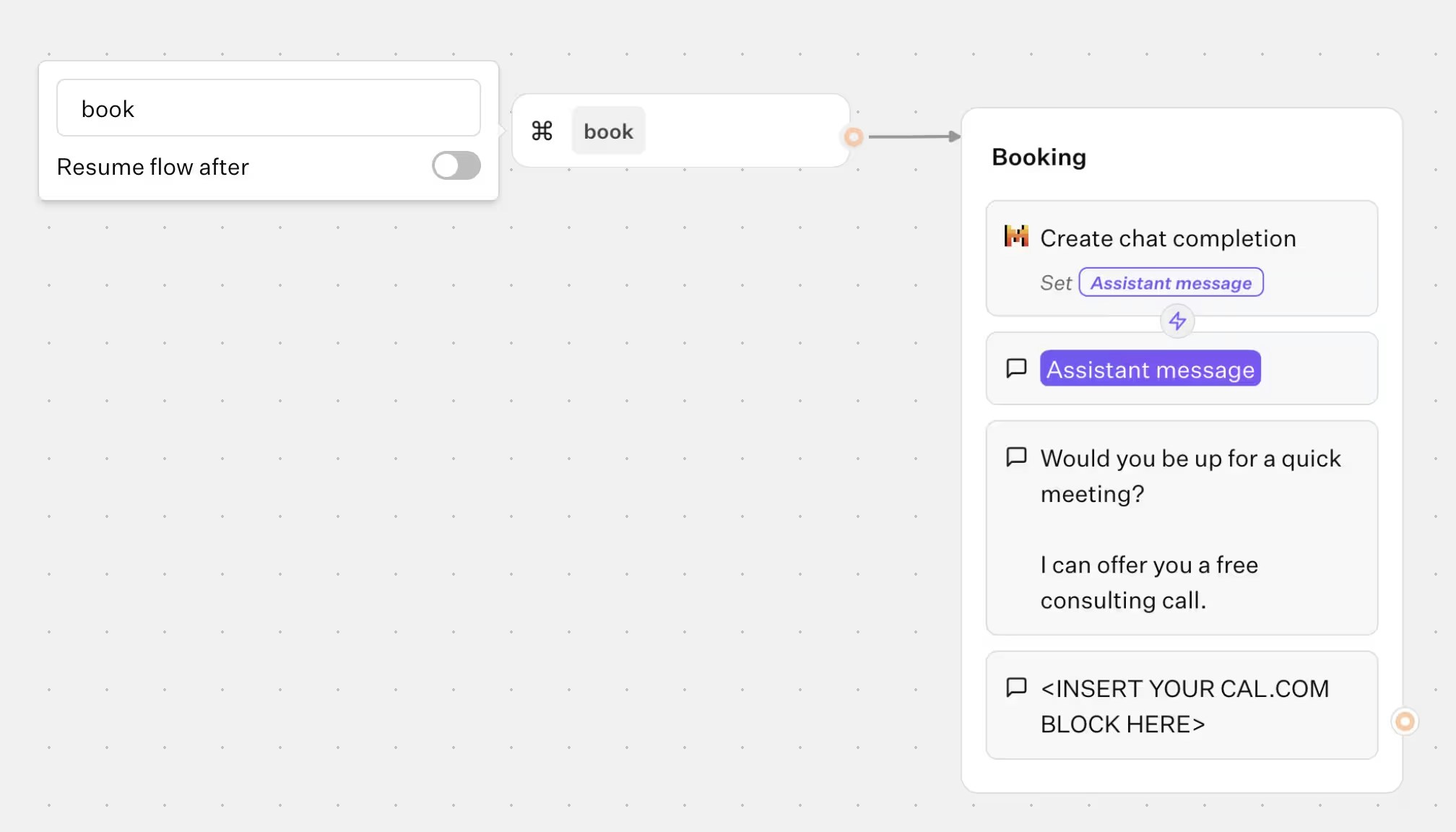
This event allows you to trigger a specifc flow when a command is sent to the bot. This command can be sent with an [continueChat HTTP request](/api-reference/chat/continue-chat) with a `command` message type or with the [Typebot.sendCommand](/deploy/web/html-javascript#commands) function if your bot is embedded on a website.
Looking to trigger behavior when the user **types** a keyword like `restart` or `help`? Use a [Reply event](./reply) instead — the Command event is only for triggers sent programmatically from outside the chat. See the [user commands guide](/guides/user-commands) for a concrete example.
You assign a unique command name for each node and you can optionally resume the flow after the command is sent.
 ## Return to main flow
By default, when an event is executed, the session will end and not return to the main flow. Use a [Return block](/editor/blocks/logic/return) to return to the main flow. This allows you to have the flexibility to conditionally end the session.
## Return to main flow
By default, when an event is executed, the session will end and not return to the main flow. Use a [Return block](/editor/blocks/logic/return) to return to the main flow. This allows you to have the flexibility to conditionally end the session.