> ## Documentation Index
> Fetch the complete documentation index at: https://docs.typebot.com/llms.txt
> Use this file to discover all available pages before exploring further.
# Context menu
You can right-click on different elements on the builder to trigger a menu with different actions.
If you right-click on a group, you will see a menu with the following options:
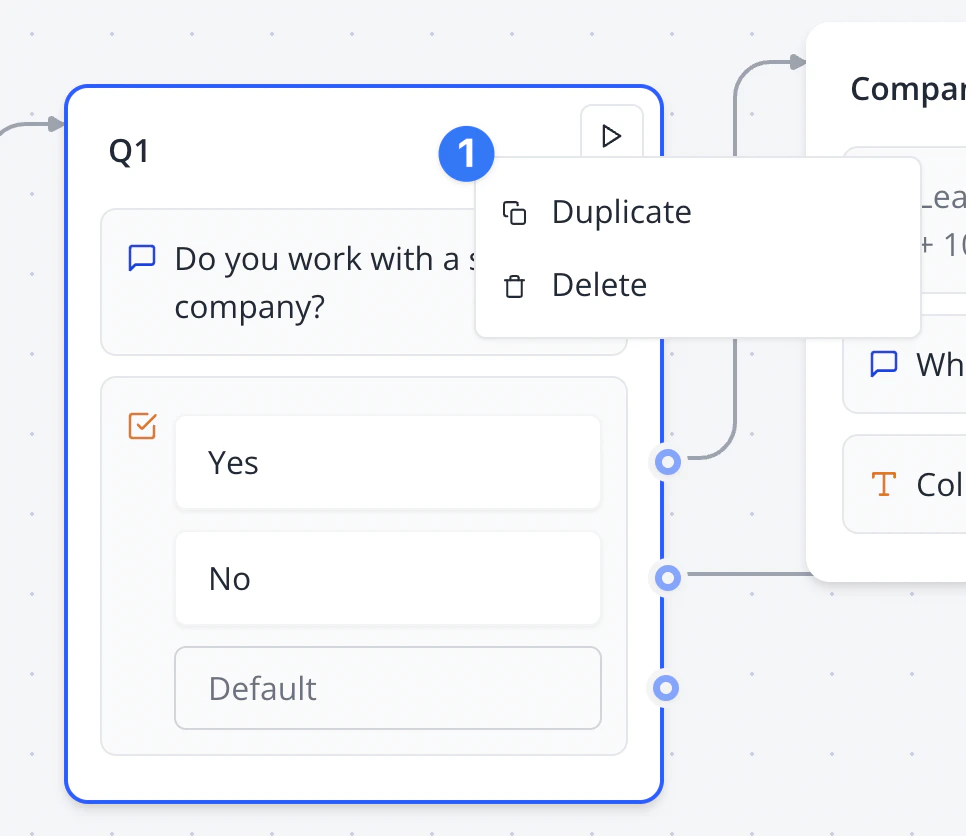 * **Duplicate** to create a duplicated group with the same blocks and settings
* **Delete** to remove the group
If you right-click on a block, you will see a menu with the following options:
* **Duplicate** to create a duplicated block below the duplicated one with the same settings
* **Delete** to remove the block
If you right-click on an edge, you will see a menu with the following options:
* **Duplicate** to create a duplicated group with the same blocks and settings
* **Delete** to remove the group
If you right-click on a block, you will see a menu with the following options:
* **Duplicate** to create a duplicated block below the duplicated one with the same settings
* **Delete** to remove the block
If you right-click on an edge, you will see a menu with the following options:
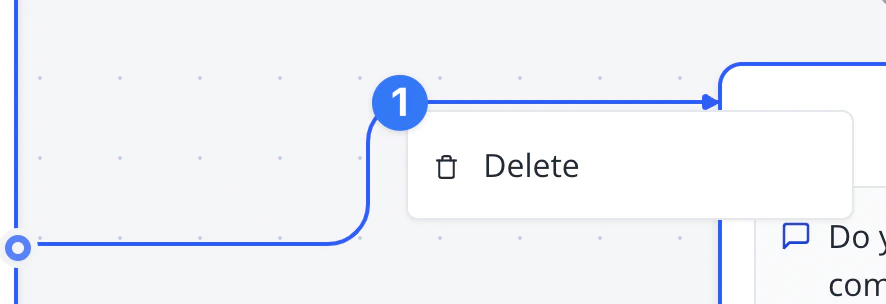 * **Delete** to remove the edge