> ## Documentation Index
> Fetch the complete documentation index at: https://docs.typebot.com/llms.txt
> Use this file to discover all available pages before exploring further.
# Script block
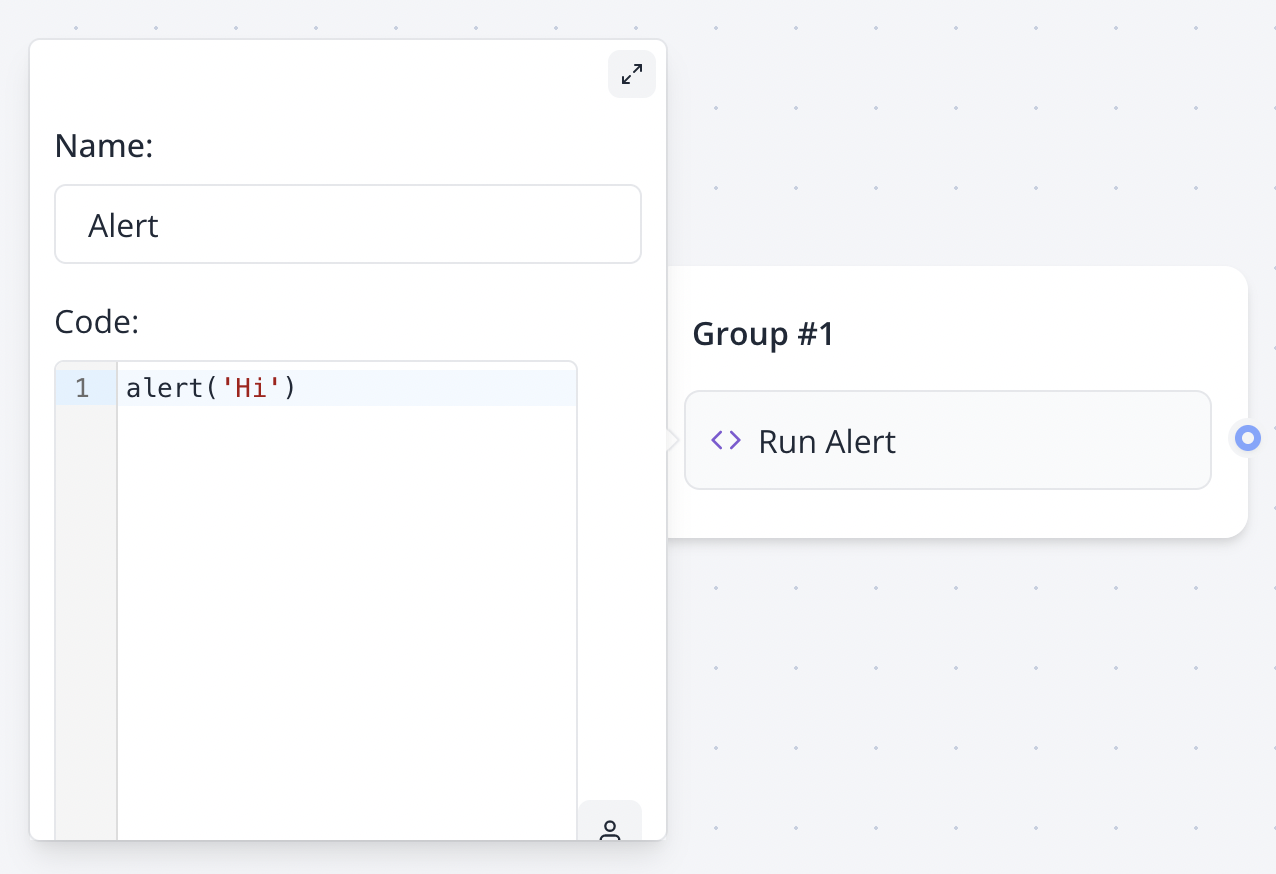
The "Script" block allows you to execute Javascript code.
This block doesn't allow you to create a custom visual block
 Variables in script are not parsed, they are evaluated. So it should be treated as if it were real javascript variables.
You need to write `console.log({{My variable}})` instead of `console.log("{{My variable}}")`
## `setVariable` function
If you want to set a variable value with Javascript, the [Set variable block](./set-variable) is more appropriate for most cases.
However, if you'd like to set variables in a Script block, you can use the `setVariable` function in your script:
```js theme={null}
if({{My variable}} === 'foo') {
setVariable('My variable', 'bar')
} else {
setVariable('My variable', 'other')
}
```
The `setVariable` function is only available in script executed on the server, so it won't work if the `Execute on client?` is checked.
## Limitations on scripts executed on server
Because the script is executed on a isolated and secured environment, there are some limitations.
* Global functions like `console.log`, `setTimeout`, `setInterval`, etc. are not available
* The `fetch` function behavior is slightly different from the native `fetch` function. You just have to skip the `await response.text()` or `await response.json()` part.
```js theme={null}
// ❌ This throws an error
const response = await fetch('https://jsonplaceholder.typicode.com/todos/1')
const data = await response.text()
// ✅ This works
const data = await fetch('https://jsonplaceholder.typicode.com/todos/1')
```
`response` will always be a `string` even if the the request returns a JSON object. If you know that the response is a JSON object, you can parse it using `JSON.parse(response)`.
```js theme={null}
// ❌ This throws an error
const response = await fetch('https://jsonplaceholder.typicode.com/todos/1')
const data = await response.json()
// ✅ This works
const response = await fetch('https://jsonplaceholder.typicode.com/todos/1')
const data = JSON.parse(response)
```
* You can't use `import` or `require` to import external libraries
* You don't have access to browser APIs like `window`, `document`, `localStorage`, etc. If you need to use browser APIs, you should check the `Execute on client?` option so that the script is executed on the user's browser.
## Examples
### Reload page
```js theme={null}
window.location.reload()
```
### Redirect if a variable has a specific value
```js theme={null}
if({{Category}} === 'qualified') {
window.location.href = 'https://my-site.com'
}
```
Do you need to do something but you're not sure how to? [Join the Discord server](https://typebot.io/discord) and get instant help!
Variables in script are not parsed, they are evaluated. So it should be treated as if it were real javascript variables.
You need to write `console.log({{My variable}})` instead of `console.log("{{My variable}}")`
## `setVariable` function
If you want to set a variable value with Javascript, the [Set variable block](./set-variable) is more appropriate for most cases.
However, if you'd like to set variables in a Script block, you can use the `setVariable` function in your script:
```js theme={null}
if({{My variable}} === 'foo') {
setVariable('My variable', 'bar')
} else {
setVariable('My variable', 'other')
}
```
The `setVariable` function is only available in script executed on the server, so it won't work if the `Execute on client?` is checked.
## Limitations on scripts executed on server
Because the script is executed on a isolated and secured environment, there are some limitations.
* Global functions like `console.log`, `setTimeout`, `setInterval`, etc. are not available
* The `fetch` function behavior is slightly different from the native `fetch` function. You just have to skip the `await response.text()` or `await response.json()` part.
```js theme={null}
// ❌ This throws an error
const response = await fetch('https://jsonplaceholder.typicode.com/todos/1')
const data = await response.text()
// ✅ This works
const data = await fetch('https://jsonplaceholder.typicode.com/todos/1')
```
`response` will always be a `string` even if the the request returns a JSON object. If you know that the response is a JSON object, you can parse it using `JSON.parse(response)`.
```js theme={null}
// ❌ This throws an error
const response = await fetch('https://jsonplaceholder.typicode.com/todos/1')
const data = await response.json()
// ✅ This works
const response = await fetch('https://jsonplaceholder.typicode.com/todos/1')
const data = JSON.parse(response)
```
* You can't use `import` or `require` to import external libraries
* You don't have access to browser APIs like `window`, `document`, `localStorage`, etc. If you need to use browser APIs, you should check the `Execute on client?` option so that the script is executed on the user's browser.
## Examples
### Reload page
```js theme={null}
window.location.reload()
```
### Redirect if a variable has a specific value
```js theme={null}
if({{Category}} === 'qualified') {
window.location.href = 'https://my-site.com'
}
```
Do you need to do something but you're not sure how to? [Join the Discord server](https://typebot.io/discord) and get instant help!