> ## Documentation Index
> Fetch the complete documentation index at: https://docs.typebot.com/llms.txt
> Use this file to discover all available pages before exploring further.
# Condition
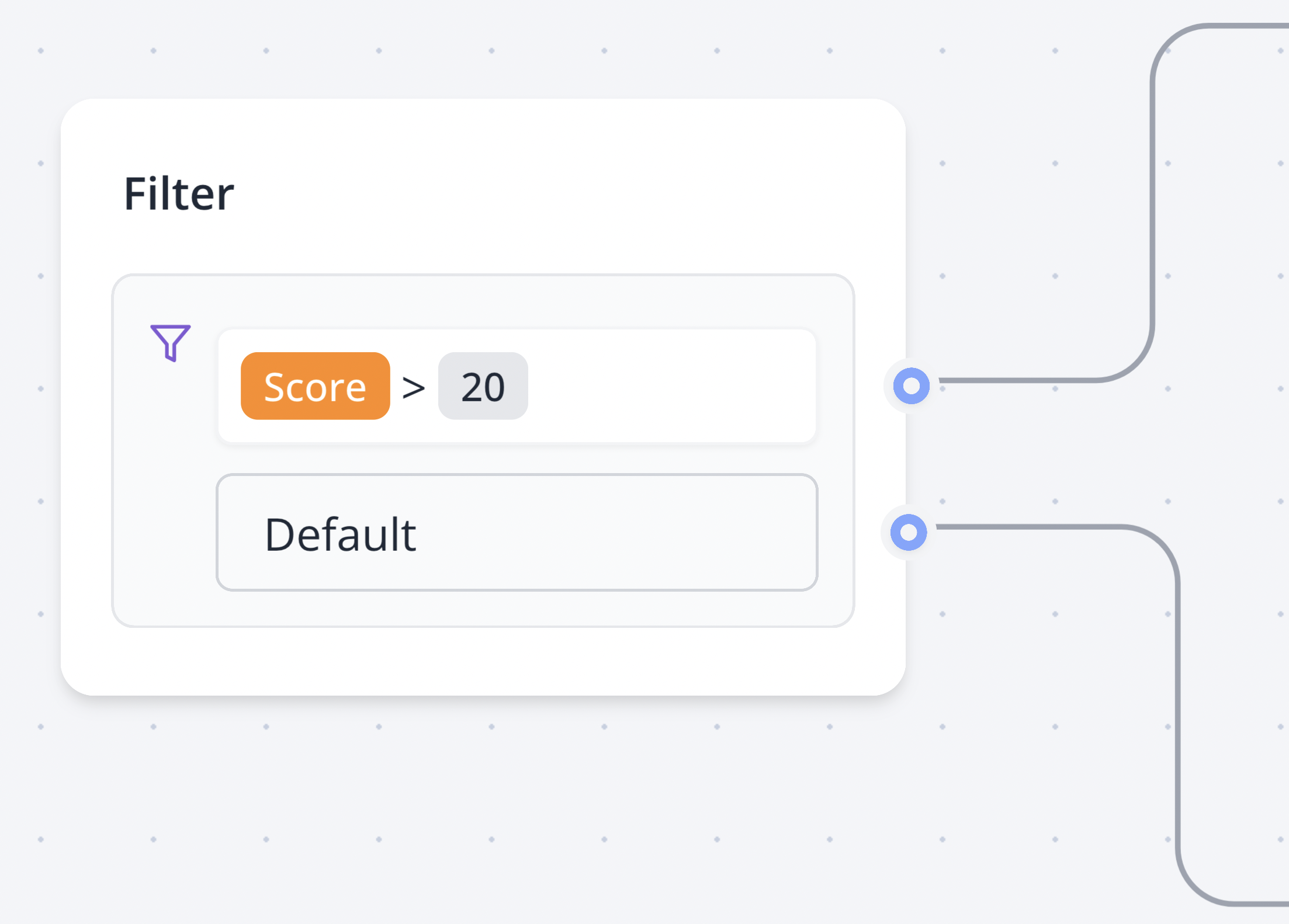
The Condition block allows you to split your flow in two based on a condition.
A condition can contain different comparisons that are evaluated in order and linked with a logical operator: 'AND' or 'OR'.
## Operators
Will match if the provided value is strictly equal to the value.
Will match if the provided value is not equal to the value.
Will match if the provided value contains the value. If a list is provided, it
will match if the list has at least one element in common with the value.
Same as `Contains` but will match the inverse.
Will match if the provided value is greater or equal than the value. If the
variable you provided is a list, it will execute the condition on the length
of the list.
Will match if the provided value is less or equal than the value. If the
variable you provided is a list, it will execute the condition on the length
of the list.
Will match if the provided value is not null or undefined and not an empty
string.
Will match if the provided value is null, undefined, or an empty string.
Will match if the provided value starts with the value.
Will match if the provided value ends with the value.
Value should start and end with `/` and contain a valid regex pattern.
Example:
* `/^hello$/` will match if the string is strictly equal to "hello".
* `/hello/` will match if the string contains "hello". Like "hello world".
* `/hello/i` will match if the string contains "hello" case-insensitive. Like "Hello world".
* `/[0-9]+/` will match if the string contains one or more digits. Like "123".
Same as `Matches regex` but will match if the provided value does not match
the regex pattern.
 A condition can contain different comparisons that are evaluated in order and linked with a logical operator: 'AND' or 'OR'.