> ## Documentation Index
> Fetch the complete documentation index at: https://docs.typebot.com/llms.txt
> Use this file to discover all available pages before exploring further.
# Send email
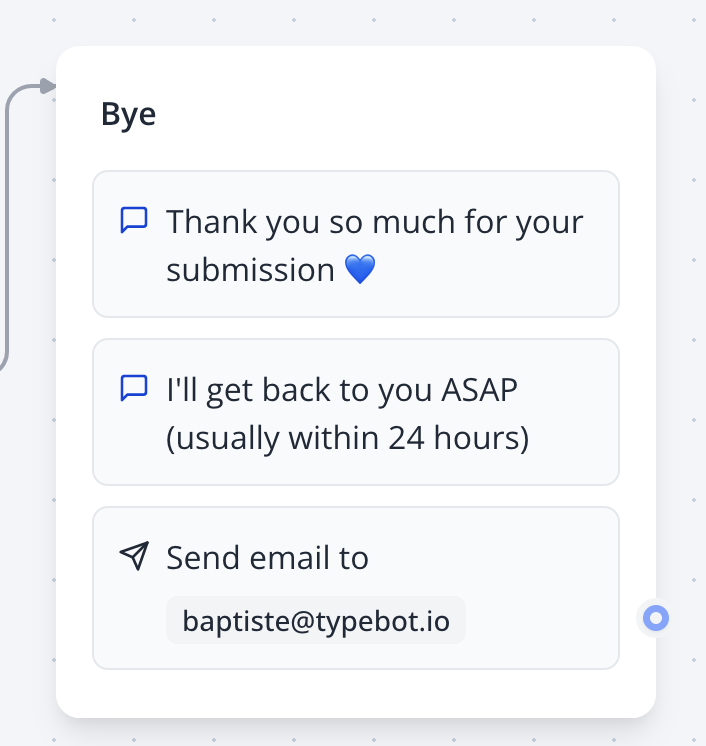
If you want to receive an email notification each time a user completes the bot or if you want to send a recap to the user, the Email block is made for you:
 If you are on the Free plan, you will have to configure your own SMTP account first. This is to prevent spam and abuse of the in-built Typebot email sender. You can find a bunch of SMTP providers with generous Free tiers that will provide SMTP credentials to use within Typebot. Here are a few examples:
* [SendGrid](https://sendgrid.com/)
* [Mailgun](https://www.mailgun.com/)
* [Amazon SES](https://aws.amazon.com/ses/)
* [Resend](https://resend.com/)
If you subscribed to a paid plan, you can easily send emails from `notifications@get-typebot.com` without additional configuration.
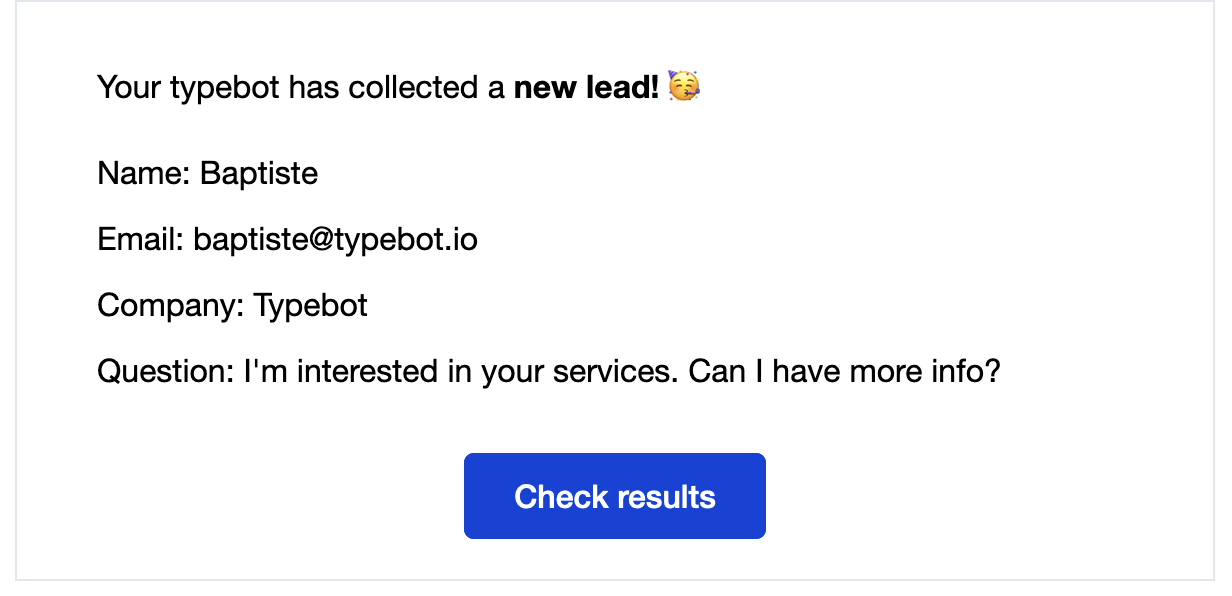
The default email content is based on what your new lead has replied to. It will look like this:
If you are on the Free plan, you will have to configure your own SMTP account first. This is to prevent spam and abuse of the in-built Typebot email sender. You can find a bunch of SMTP providers with generous Free tiers that will provide SMTP credentials to use within Typebot. Here are a few examples:
* [SendGrid](https://sendgrid.com/)
* [Mailgun](https://www.mailgun.com/)
* [Amazon SES](https://aws.amazon.com/ses/)
* [Resend](https://resend.com/)
If you subscribed to a paid plan, you can easily send emails from `notifications@get-typebot.com` without additional configuration.
The default email content is based on what your new lead has replied to. It will look like this:
 But you can also write your own text/html email content.
## Attachments
You can attach files to your email with the Attachments option. Make sure that it points to a variable that is linked to a File upload input block.
## Troubleshooting
You are supposed to receive an email but it doesn't get to your inbox? Make sure to check the [logs](/results/overview#logs). If you still can't figure out what went wrong, shoot me a message using the chat button directly in the tool 👍
But you can also write your own text/html email content.
## Attachments
You can attach files to your email with the Attachments option. Make sure that it points to a variable that is linked to a File upload input block.
## Troubleshooting
You are supposed to receive an email but it doesn't get to your inbox? Make sure to check the [logs](/results/overview#logs). If you still can't figure out what went wrong, shoot me a message using the chat button directly in the tool 👍