> ## Documentation Index
> Fetch the complete documentation index at: https://docs.typebot.com/llms.txt
> Use this file to discover all available pages before exploring further.

# Time

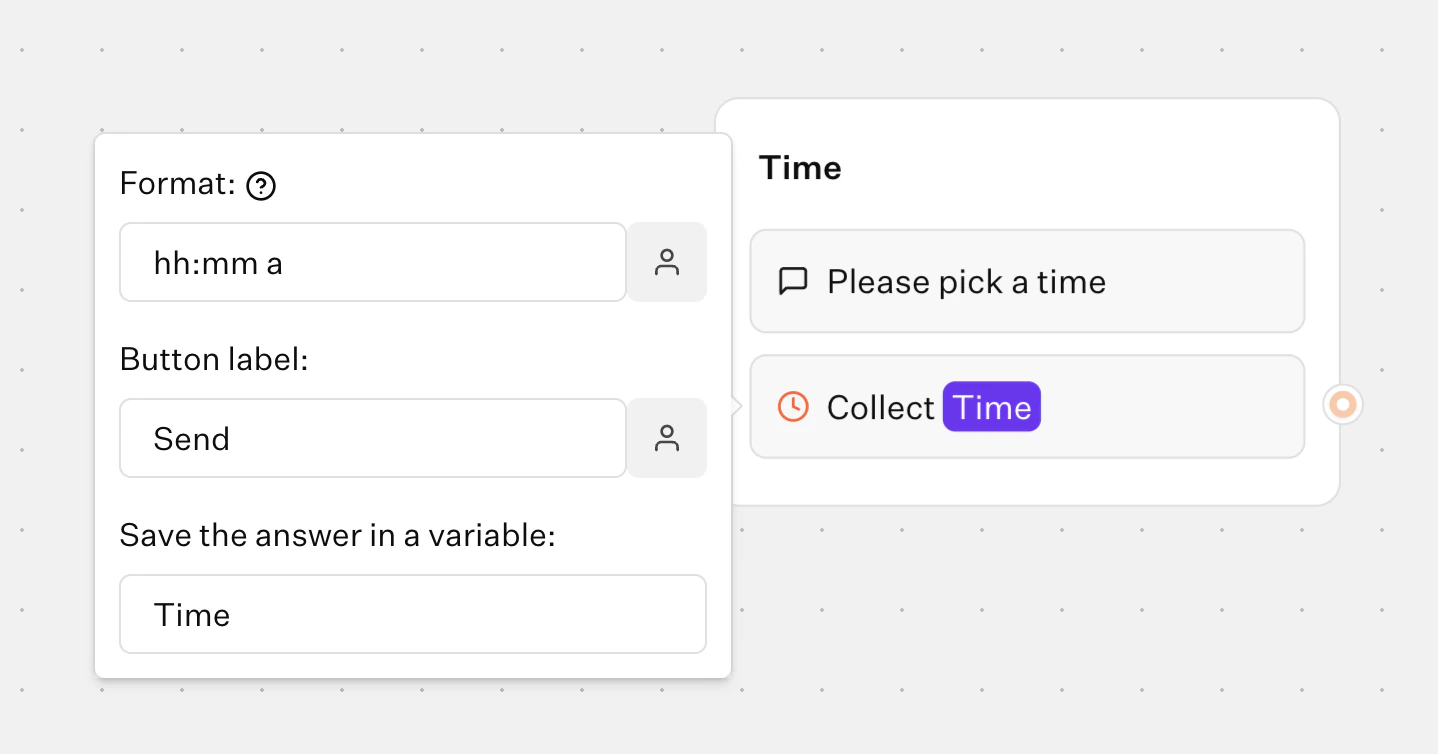
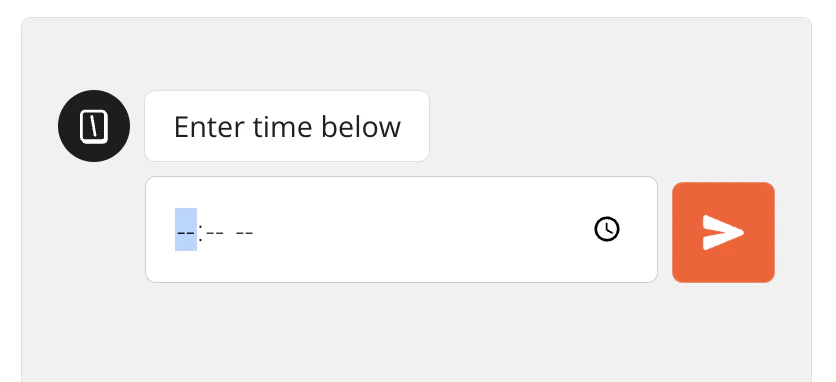
The Time input block allows you to ask your user for a time. You can chose between 12 hour and 24 hour format.
<Tabs>
  <Tab title="Flow">
    <Frame>
      <img src="https://mintcdn.com/typebot/bR67_tMY0NAThQSS/images/blocks/inputs/time-flow.png?fit=max&auto=format&n=bR67_tMY0NAThQSS&q=85&s=aa1b4a92f81a0fc3e6ae93d511093c7f" alt="Time input in flow" className="rounded-lg" width="1438" height="754" data-path="images/blocks/inputs/time-flow.png" />
    </Frame>
  </Tab>

  <Tab title="Bot">
    <Frame>
      <img src="https://mintcdn.com/typebot/bR67_tMY0NAThQSS/images/blocks/inputs/time-bot.png?fit=max&auto=format&n=bR67_tMY0NAThQSS&q=85&s=fd96e8232126475c86c3ee5943f83988" alt="Time input in bot" className="rounded-lg" width="836" height="382" data-path="images/blocks/inputs/time-bot.png" />
    </Frame>
  </Tab>
</Tabs>

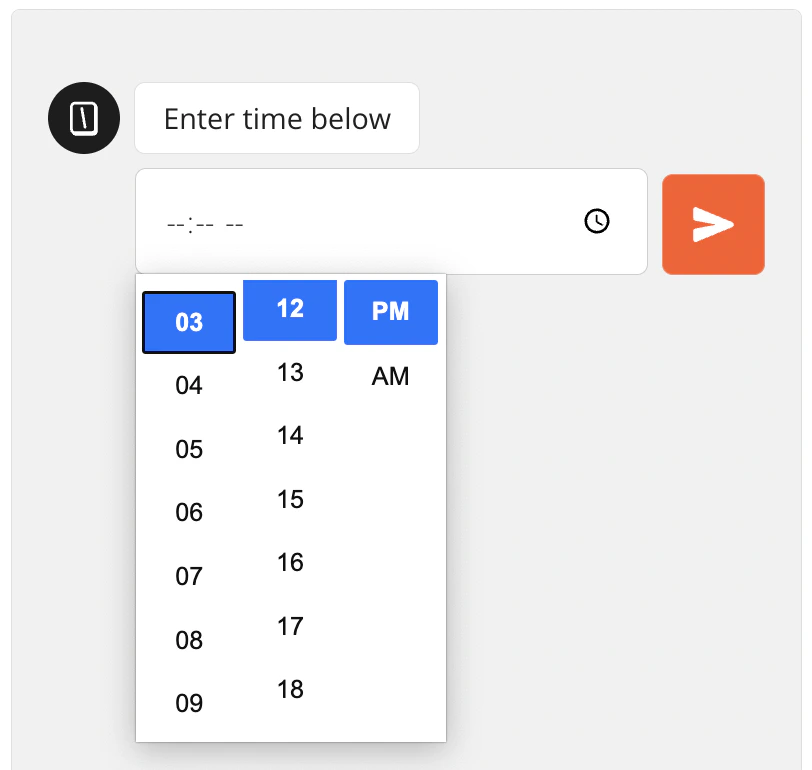
The input will use the native time picker depending on the device and browser used to answer the bot. For example on Chrome it looks like this:
<Frame style={{ maxWidth: '400px' }}>
  <img src="https://mintcdn.com/typebot/bR67_tMY0NAThQSS/images/blocks/inputs/time-native-picker.png?fit=max&auto=format&n=bR67_tMY0NAThQSS&q=85&s=5bfe4698fb203f92fbefe08a058e2ebb" alt="Time native picker" width="812" height="770" data-path="images/blocks/inputs/time-native-picker.png" />
</Frame>
