> ## Documentation Index
> Fetch the complete documentation index at: https://docs.typebot.com/llms.txt
> Use this file to discover all available pages before exploring further.
# Date
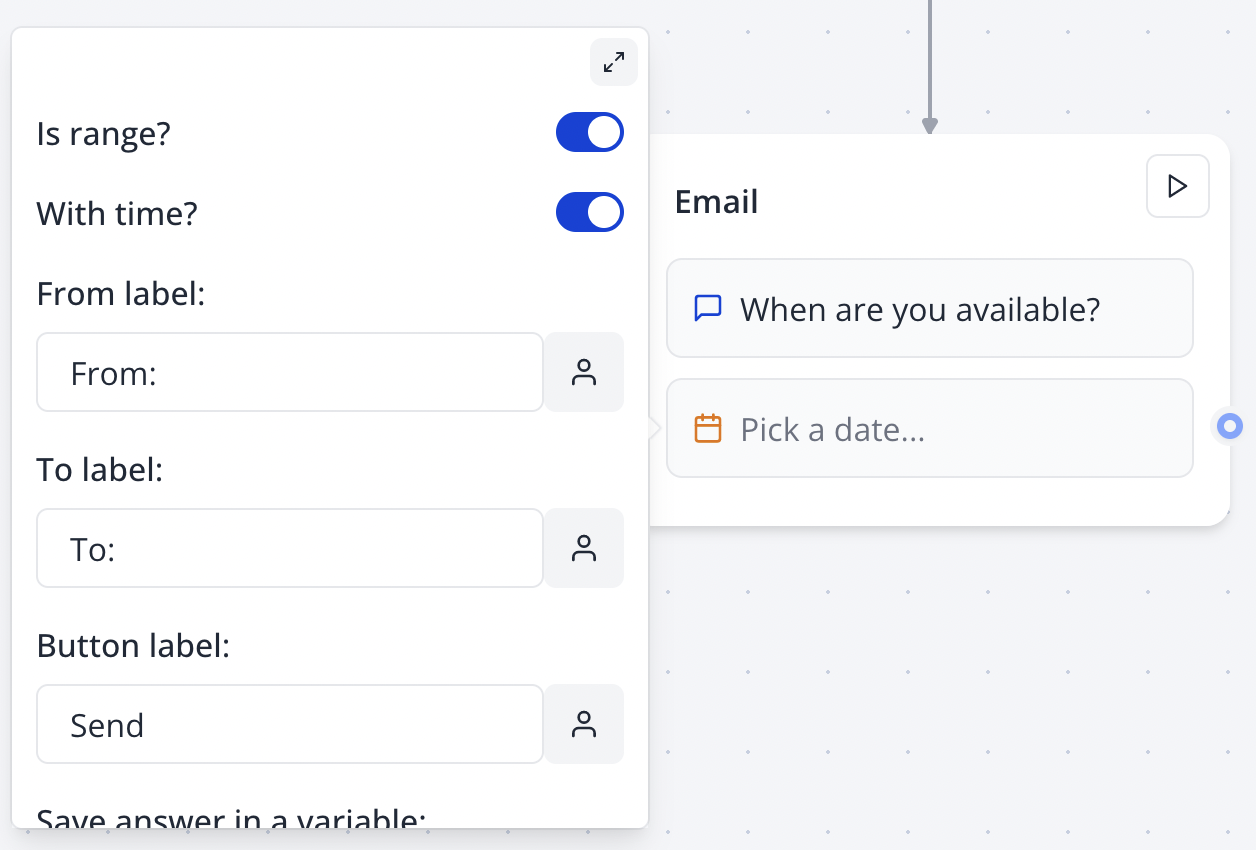
The Date input block allows you to ask your user for a date. You can ask for a specific date or range and include time:
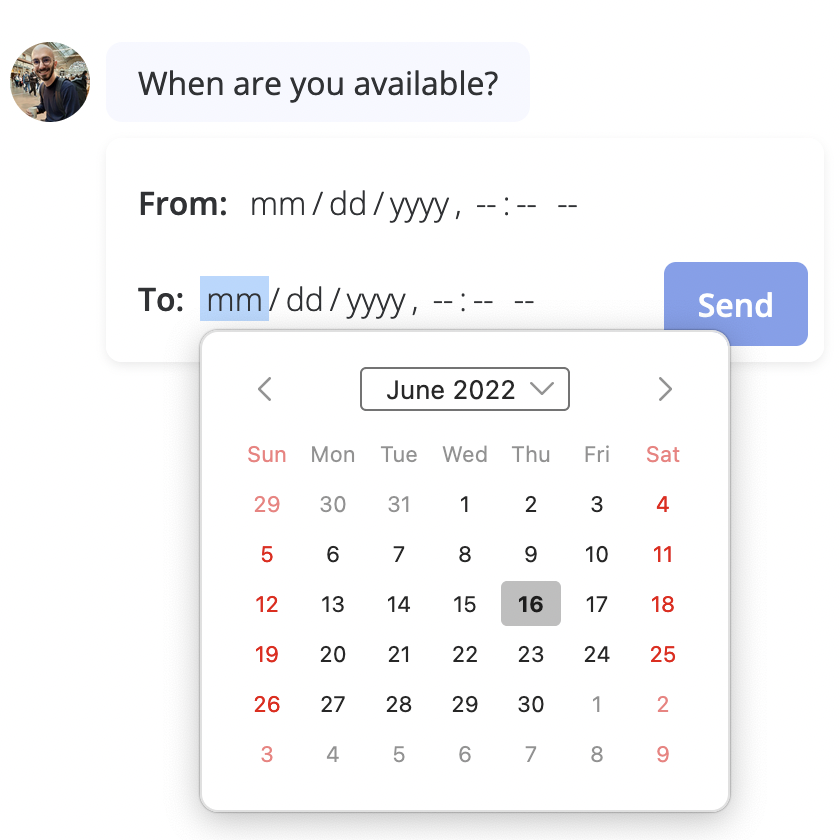
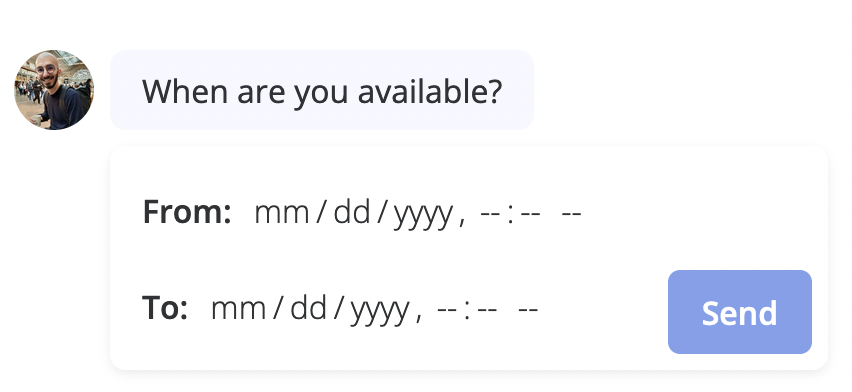 The input will use the native date picker depending on the device and browser used to answer the bot. For example on Firefox it looks like this:
 ## Format
The `Format` setting lets you customize the picked date format. Under the hood, it is done using the [date-fns](https://date-fns.org/) library. You can use any of the [formatting tokens](https://date-fns.org/docs/format) supported by the library.
Here are some examples:
```text theme={null}
yyyy-MM-dd
yyyy-MM-dd HH:mm:ss
dd/MM/yy
dd/MM/yyyy HH:mm:ss
d.MM.yy
```
There are 4 tokens that cause most of the confusion:
* D and DD that represent the day of a year (1, 2, ..., 365, 366) are often confused with d and dd that represent the day of a month (1, 2, ..., 31).
* YY and YYYY that represent the local week-numbering year (44, 01, 00, 17) are often confused with yy and yyyy that represent the calendar year.
To help with the common confusion, on Typebot by default, we interpret the tokens `D` and `Y` as `d` and `y` respectively.
More information: [https://github.com/date-fns/date-fns/blob/main/docs/unicodeTokens.md](https://github.com/date-fns/date-fns/blob/main/docs/unicodeTokens.md)
## Format
The `Format` setting lets you customize the picked date format. Under the hood, it is done using the [date-fns](https://date-fns.org/) library. You can use any of the [formatting tokens](https://date-fns.org/docs/format) supported by the library.
Here are some examples:
```text theme={null}
yyyy-MM-dd
yyyy-MM-dd HH:mm:ss
dd/MM/yy
dd/MM/yyyy HH:mm:ss
d.MM.yy
```
There are 4 tokens that cause most of the confusion:
* D and DD that represent the day of a year (1, 2, ..., 365, 366) are often confused with d and dd that represent the day of a month (1, 2, ..., 31).
* YY and YYYY that represent the local week-numbering year (44, 01, 00, 17) are often confused with yy and yyyy that represent the calendar year.
To help with the common confusion, on Typebot by default, we interpret the tokens `D` and `Y` as `d` and `y` respectively.
More information: [https://github.com/date-fns/date-fns/blob/main/docs/unicodeTokens.md](https://github.com/date-fns/date-fns/blob/main/docs/unicodeTokens.md)