> ## Documentation Index
> Fetch the complete documentation index at: https://docs.typebot.com/llms.txt
> Use this file to discover all available pages before exploring further.
# Iframe
You can easily get your typebot iframe code by clicking on the "Iframe" button in the "Share" tab of your typebot.
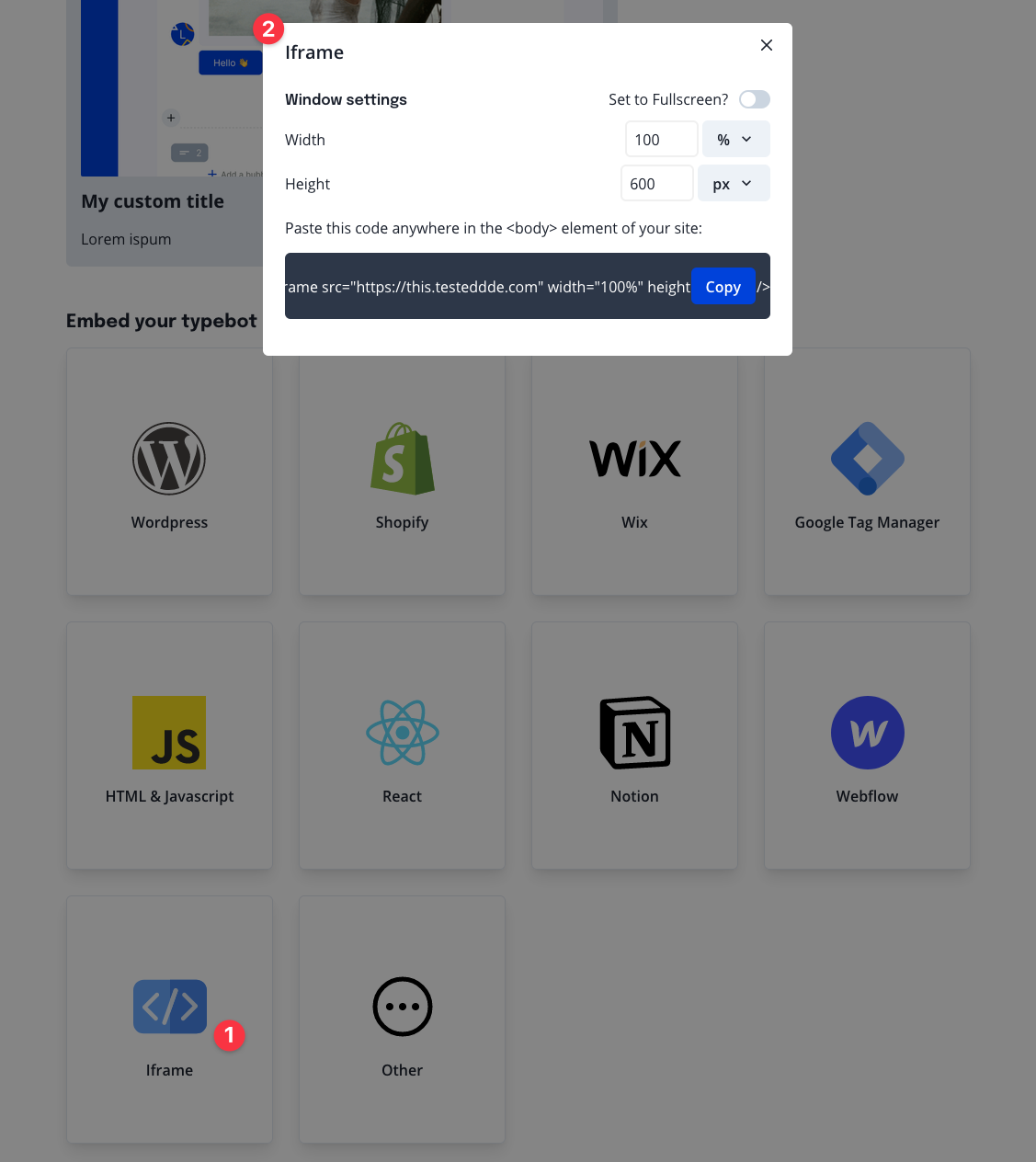 Here, you can set up its width and height. A good default is a `width` of `100%` and a `height` of `600px`.